Instagram downloader is a free web tool for saving public Instagram videos, Reels, photos and carousels to your phone or computer. SaveInsta runs in your browser, so there is no app to install and no login to type. You paste a link, press a button and choose the file you want.
People search for “save insta” when they want to keep a clip they liked, back up their own posts or watch something offline. This page explains how the tool works, what it can save, what to try when a link fails and how to use it with respect for the people who made the content.
How to use the SaveInsta Instagram downloader
The whole process takes about half a minute. It is the same on every device.
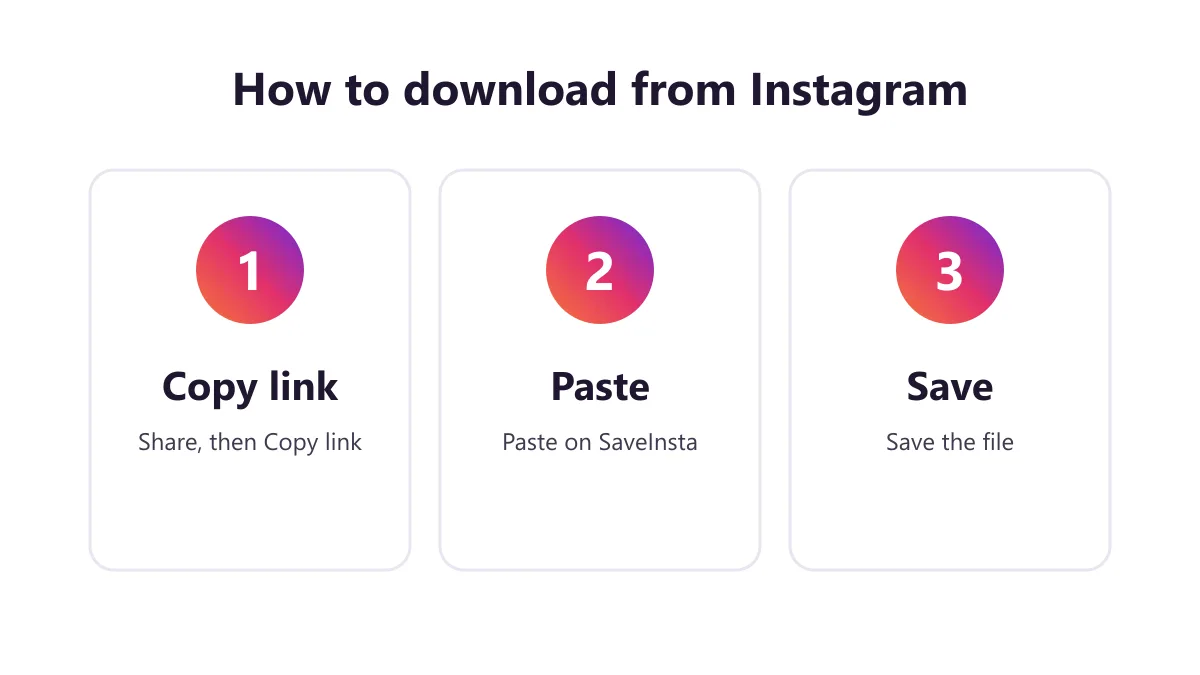
1. Copy the Instagram link
Open Instagram in the app or in a browser and find the public post you want. Tap the Share button or the three dots and choose Copy link. If you are on a computer, you can also copy the address from the browser bar.
2. Paste it into SaveInsta
Come back to SaveInsta and paste the link into the box at the top of the page. Press the download button. The tool reads the public post and prepares the files. This can take a few seconds.
3. Choose and save the file
When the result appears, you will see a preview and one or more download buttons. Pick the one you want and save it. Videos usually come as MP4 files and photos as image files. You can use this IG downloader as many times as you like, one link at a time.
What you can download and in what quality
SaveInsta handles the main kinds of public Instagram content. HD here means the best quality Instagram stores for the post, which is usually up to 1080p for video. It cannot be better than the original upload, and we do not promise any fixed bitrate.
| Content | What you get | Notes |
|---|---|---|
| Reels | MP4 video | Best available quality, often HD |
| Feed videos | MP4 video | Same as the original post |
| Photos | Image file | Original size stored by Instagram |
| Carousels | Several images or videos | Each item can be saved one by one |
Some features may fail on certain posts. If Instagram changes something or a post is restricted, the download may not work. A post without sound on Instagram, or one where Instagram gives no audio track, may give you a silent file. Photos and carousels work too: each item saves separately, and all photos can be saved together as a ZIP. Stories are not supported yet.
Saving on Android, iPhone and PC
Android. Open SaveInsta in Chrome or another browser, paste the link and tap download. The file usually goes to your Downloads folder, and you can open it from the Files app or your gallery.
iPhone. Use Safari. After you tap the download button, the file is saved in the Files app. Open Files, find the video, tap Share and then Save Video to move it to your Photos app. Other browsers may not offer the same option.
PC. Open SaveInsta in any modern browser, paste the link and click download. If the video opens in a new tab instead of downloading, right-click it and choose Save video as. The saveinsta app is not needed because the website does the job.
Common uses
People use an Instagram downloader for simple, everyday reasons:
- Backing up your own Reels and videos before you delete or edit them.
- Keeping a recipe, workout or tutorial video to watch offline.
- Saving a clip that a friend or creator shared with you and allowed you to keep.
- Collecting reference photos for a school or design project.
- Sending a video to a family member who does not use Instagram.
- Keeping a copy of a business post for your records.
For any of these, check that you have the right to keep or share the file. Personal offline viewing is very different from reposting someone else’s work as your own.
Safety and respecting creators
SaveInsta does not ask for your Instagram password, and no legitimate downloader should. Never type your login on a download site. The tool works only with public posts and does not store content on its servers.
Be careful with any website that asks you to install unknown software or allow notifications to continue. Download only from sites you trust, and keep your browser up to date.
Creators spend real time on their work. Give credit when you share, ask permission before reposting and do not use someone’s content in ways they would not accept. Downloading is not always allowed in every situation, and laws differ by country. If you are unsure, ask the owner or do not download.
Problems and fixes
If a download does not work, try these steps in order:
- Check the link. Make sure you copied the full link of the post, not the profile page.
- Check that the post is public. Private accounts and removed posts cannot be saved.
- Try again later. Sometimes Instagram is slow or limits requests for a short time.
- Refresh the page. Reload SaveInsta, paste the link again and retry.
- Switch browser. Chrome on Android and Safari on iPhone usually work best.
- No sound? The post may have no audio track on Instagram, so the file can be silent.
If none of this helps, send the link and a short description of the problem to [email protected].
More SaveInsta tools
SaveInsta has a page for each type of content. Choose the one that fits what you want to save:
- Use the Instagram Reels downloader for short vertical videos.
- Use the Instagram video downloader for regular feed videos.
- Use the Instagram photo downloader for single photos and carousels.
Whichever page you use, the steps are the same: copy the link, paste it and save the file. Come back to the Instagram downloader home page any time you need a quick start.